Hai Booca



- Industry
- Pediatric Speech Screening
- Project
- Mobile App
- Year
- 2026
- Product Design
- UX Research
- UI Design

A Little Voice, A Big Mission
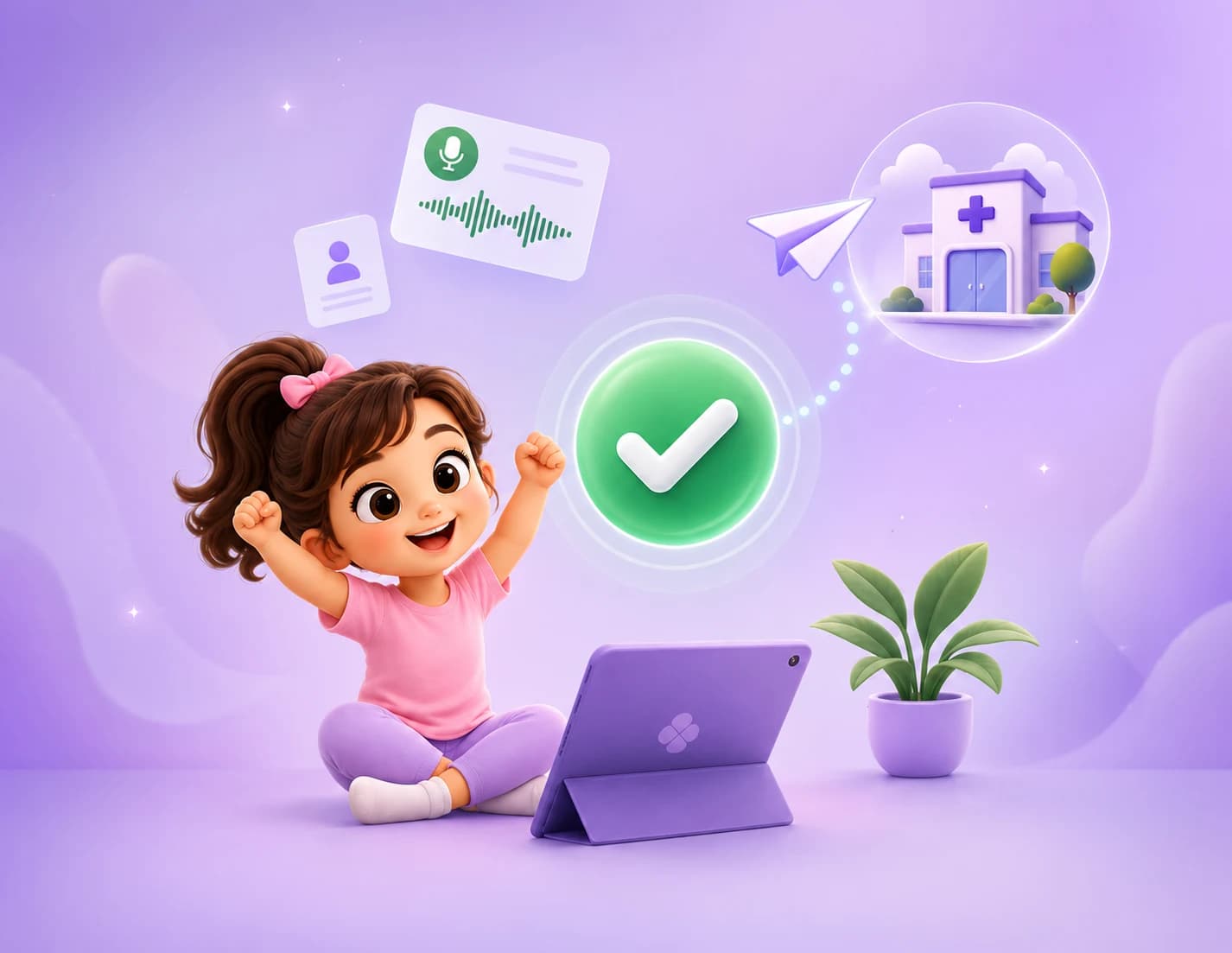
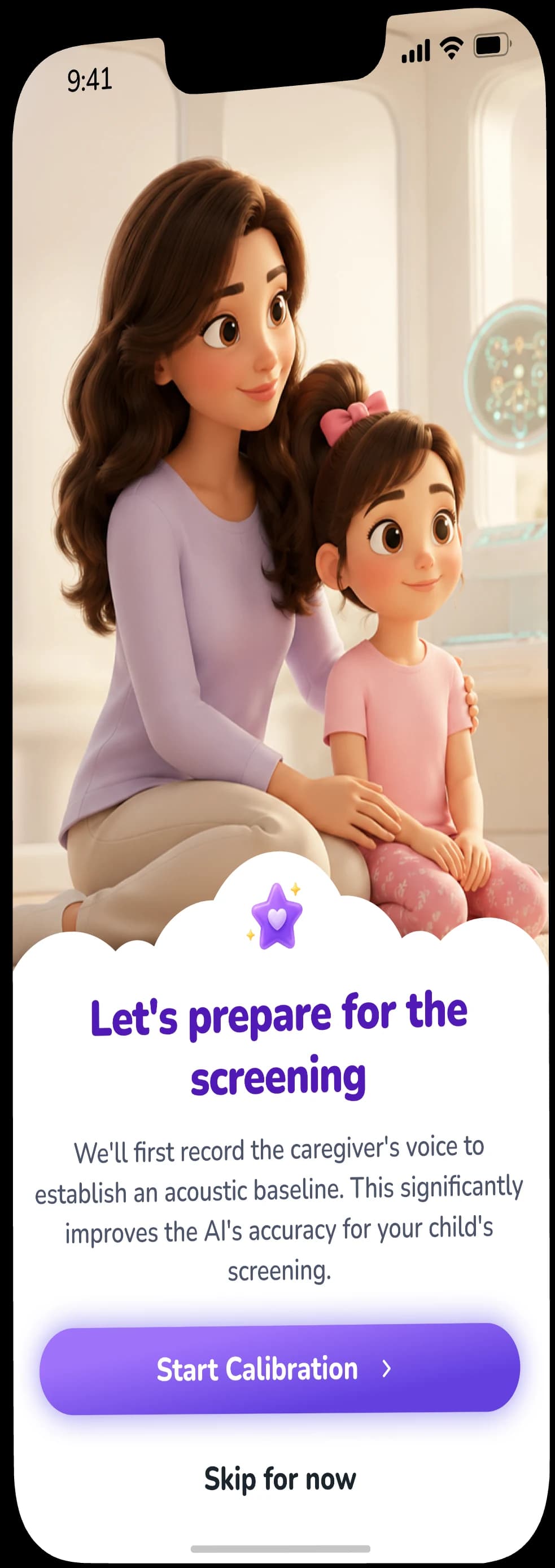
This project focused on creating a pediatric speech screening experience designed to make the assessment process clearer, calmer, and more approachable for both children and their parents.



Daniel, 36
I wish there was a simple way to check my son's speech at home before deciding whether we need to see a specialist.

Sarah, 32
I notice my daughter struggling with certain sounds, but I'm never sure if it's normal for her age or something I should worry about.

Rachel, 34
I don't just want a score. I need the results to clearly tell me what might need attention and what to do next.

Emily, 29
I want to know how to support my child during the screening without accidentally influencing what she says.
Parents want to know when their child's speech needs attention.
Our research revealed a common uncertainty among parents: recognizing whether a child's speech difficulties are part of normal development or a sign that professional attention may be needed.
Parents want to know when their child's speech needs attention.
Our research revealed a common uncertainty among parents: recognizing whether a child's speech difficulties are part of normal development or a sign that professional attention may be needed.
Daniel, 36
I wish there was a simple way to check my son's speech at home before deciding whether we need to see a specialist.
Sarah, 32
I notice my daughter struggling with certain sounds, but I'm never sure if it's normal for her age or something I should worry about.
Rachel, 34
I don't just want a score. I need the results to clearly tell me what might need attention and what to do next.
Emily, 29
I want to know how to support my child during the screening without accidentally influencing what she says.
From Concern to Clarity
Understanding the uncertainty parents face around early speech difficulties helped define a clear goal: make early screening more accessible, understandable, and actionable from home.
The Problem
Parents may notice differences in their child's speech but often lack an accessible way to understand whether those signs need further attention.
The Goal
Create a simple at-home screening experience that identifies potential speech difficulties early and provides a clear path toward professional review when needed.
User Foundations
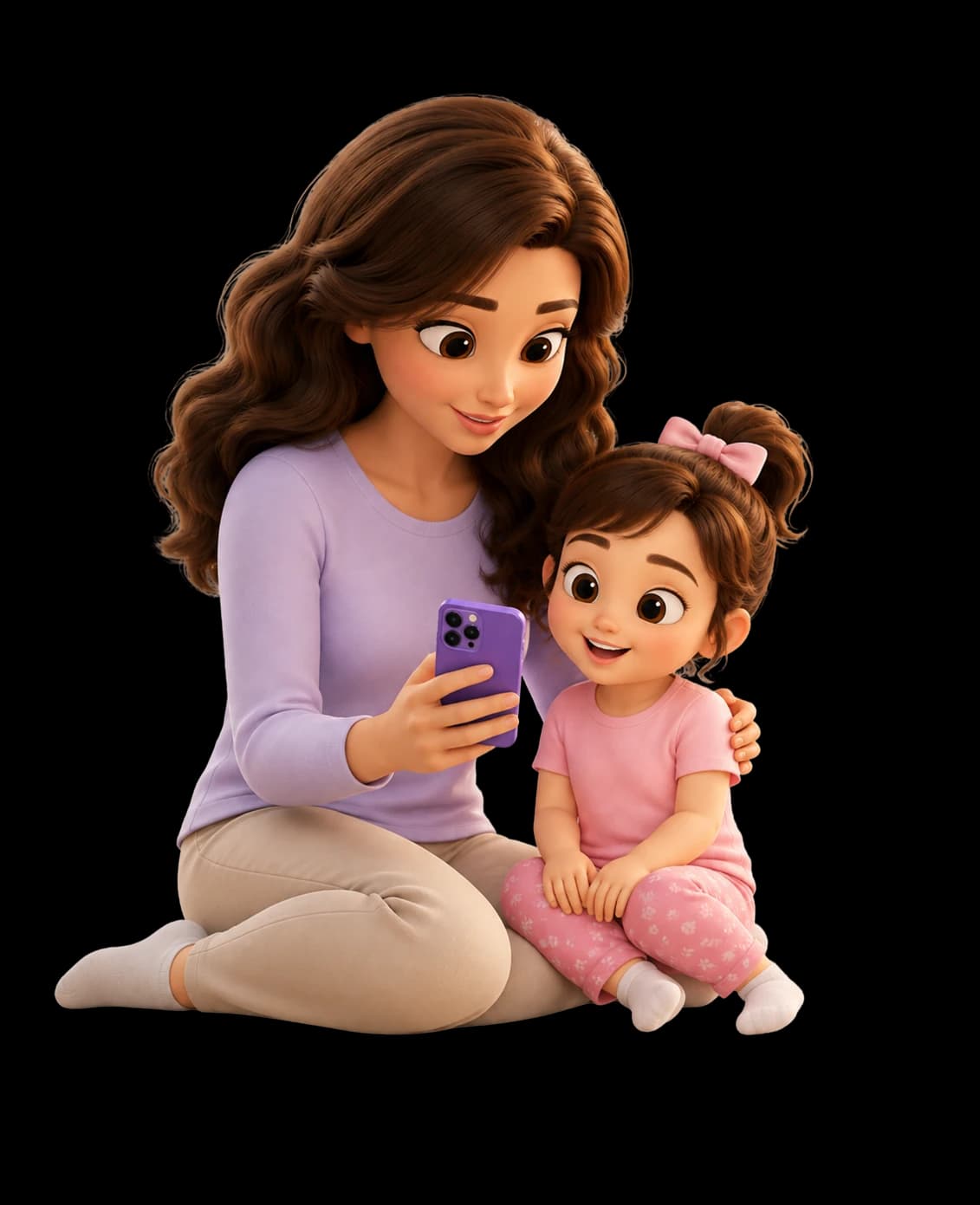


Sarah, 32
Primary PersonaParent
Sarah's Goals
- Identify potential speech difficulties early
- Understand whether her child's speech needs attention
- Screen her child easily from home
- Receive clear, easy-to-understand results
- Know what to do after the screening
- Connect with a clinician when professional review is needed
Sarah's Pain Points
- Unsure what is normal for her child's age
- Worried about overlooking early warning signs
- Limited access to quick professional screening
- Long waits for appointments
- Finds clinical information difficult to interpret
- Doesn't know when professional help is necessary
Wireframes
The wireframes define the app's layout, navigation, and key user flows, providing a clear foundation for the final design.
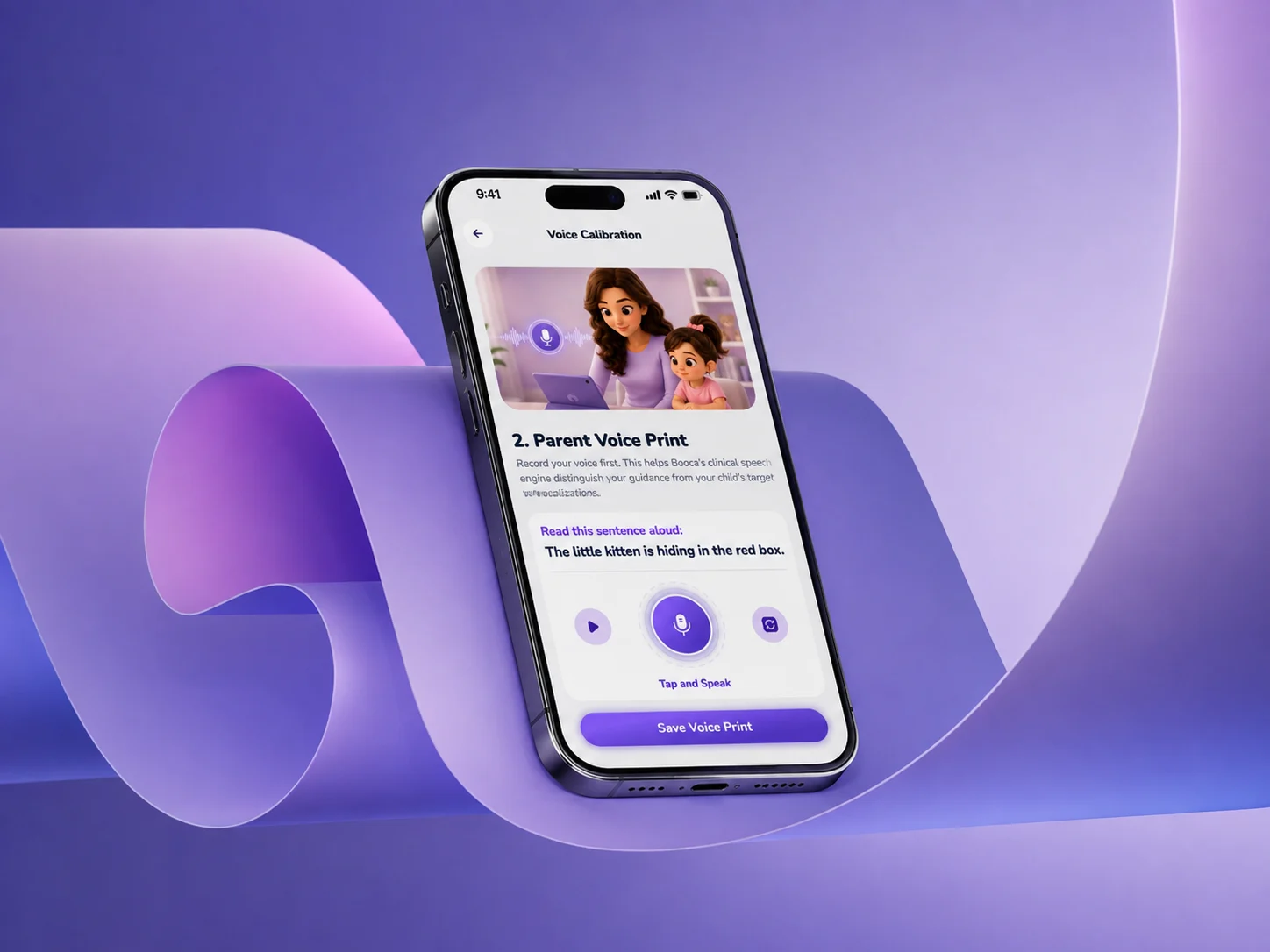
Built to Feel Safe & Friendly
Harmonizing pediatric clinical science requirements with warmth and interactive security. A comprehensive UI system designed for trust.





Today's Core Focus
/k/ sounds
Strengthen back-of-tongue tongue positioning with fun syllable stories.
Tap and Speak
Nunito
Aa
ABCDEFGHIJKLMNOPQRSTUVWXYZ
ABCDEFGHIJKLMNOPQRSTUVWXYZ
- Titles
- 22 px
- Type
- ExtraBold
- Subtitles
- 18 px
- Type
- BoldRegular
- Sections
- 14 px
- Type
- Semi-BoldRegular
- Body
- 12 px
- Type
- BoldSemi-BoldRegular
Icons
Clear, intuitive icons for a consistent experience.

Key Feature
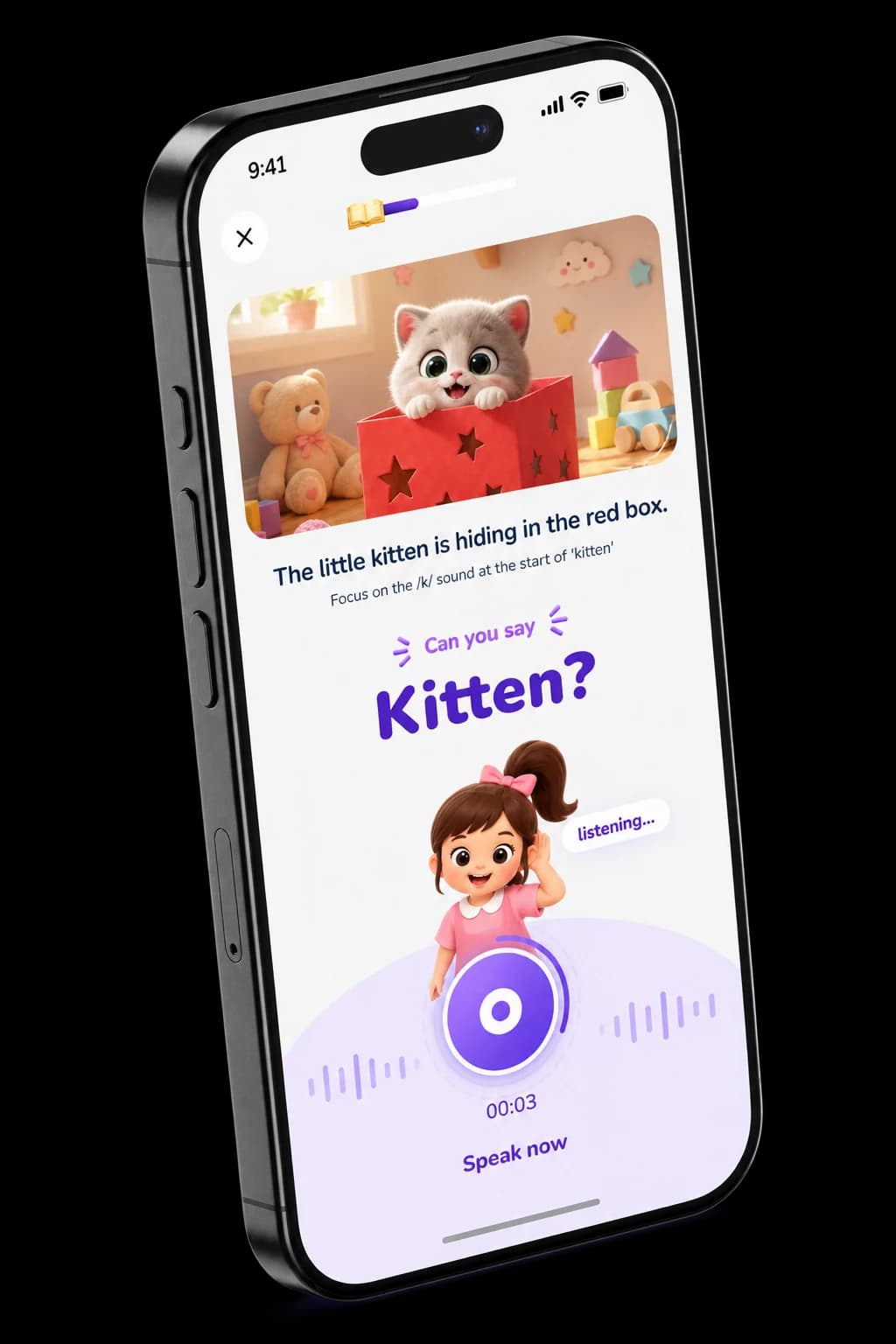

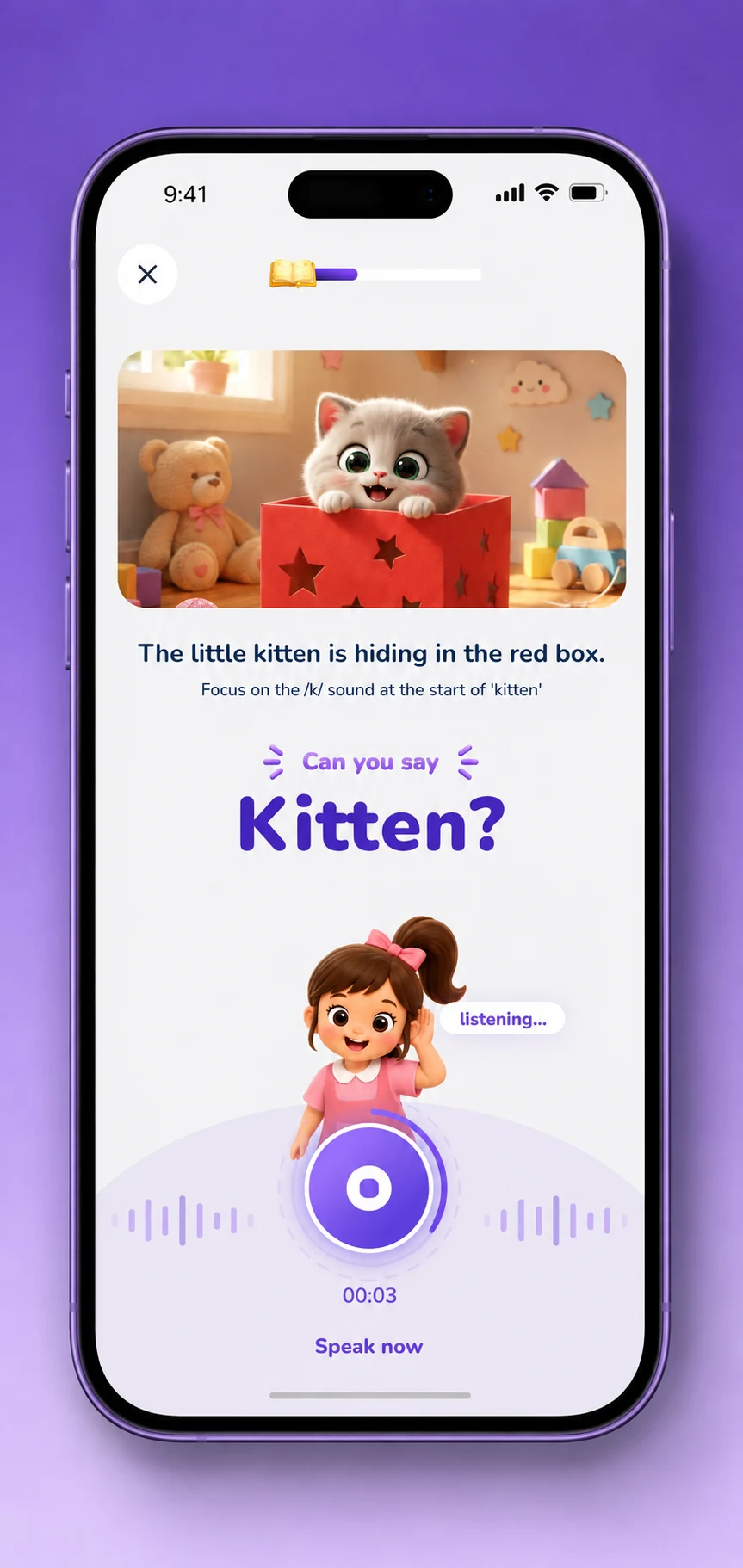
Listen & Speak
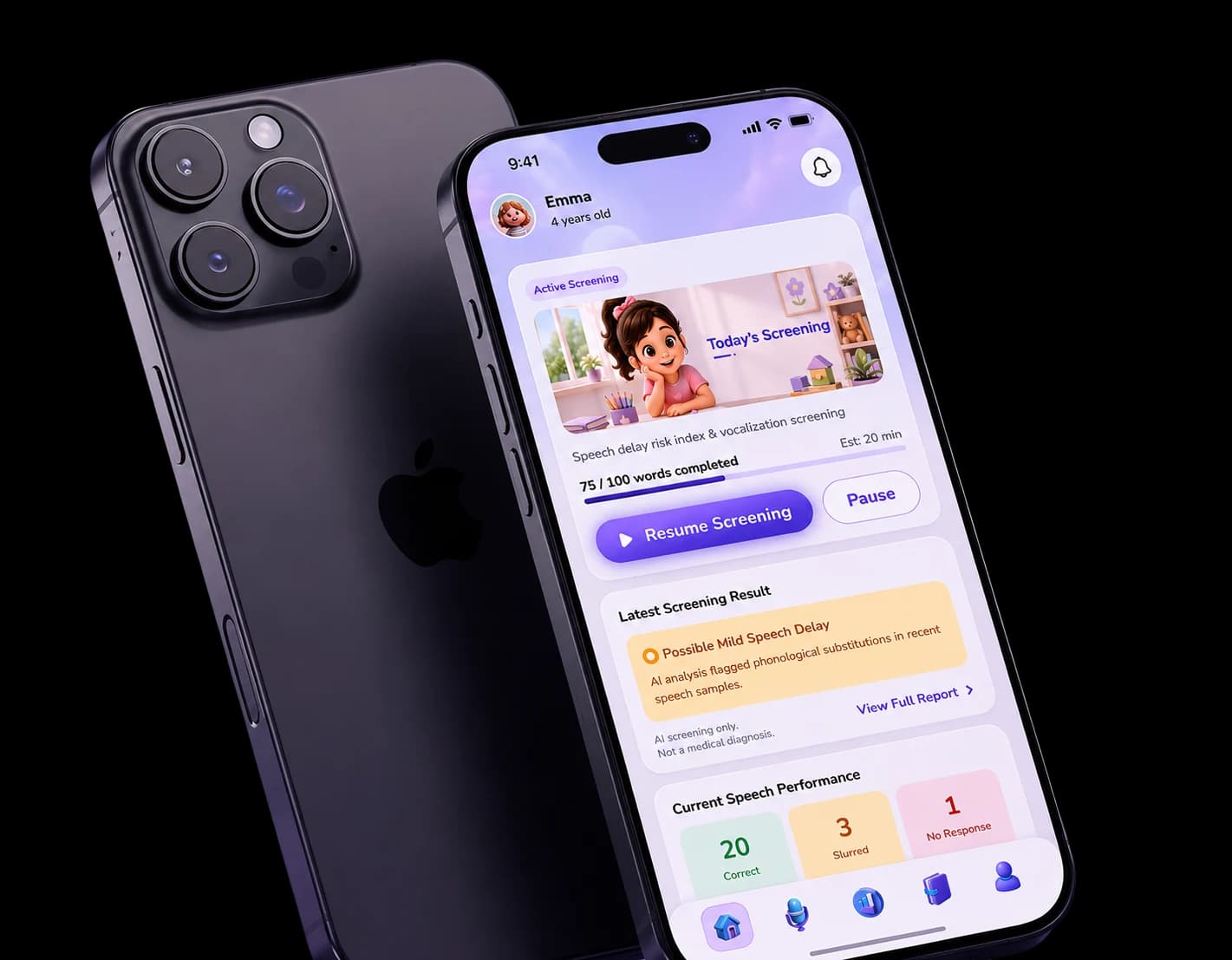
The child sees a visual prompt, listens to the target word, and repeats it while the app captures their speech for analysis.
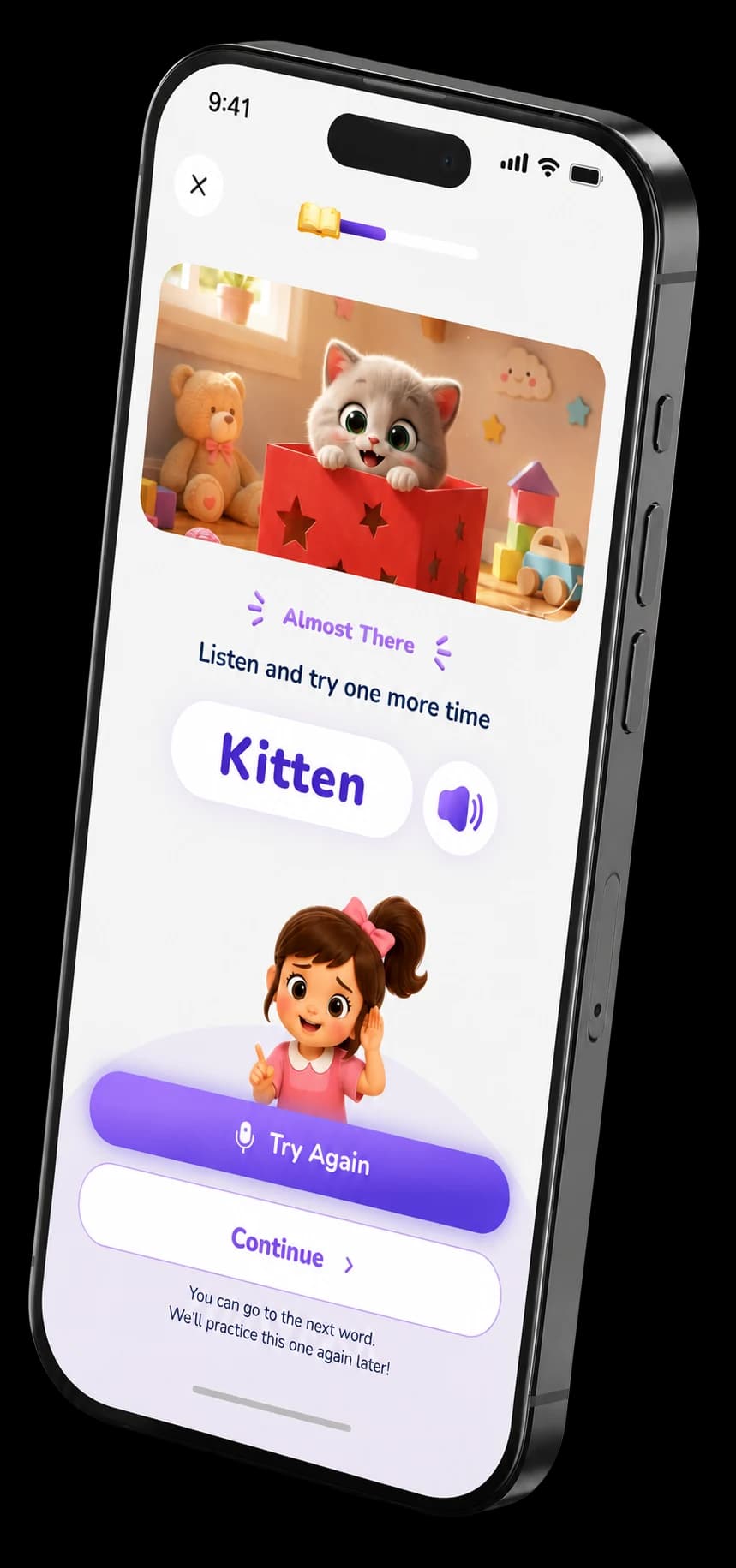

Try Again
If the response needs another attempt, the child receives gentle guidance and can listen and repeat the word again without interrupting the flow.
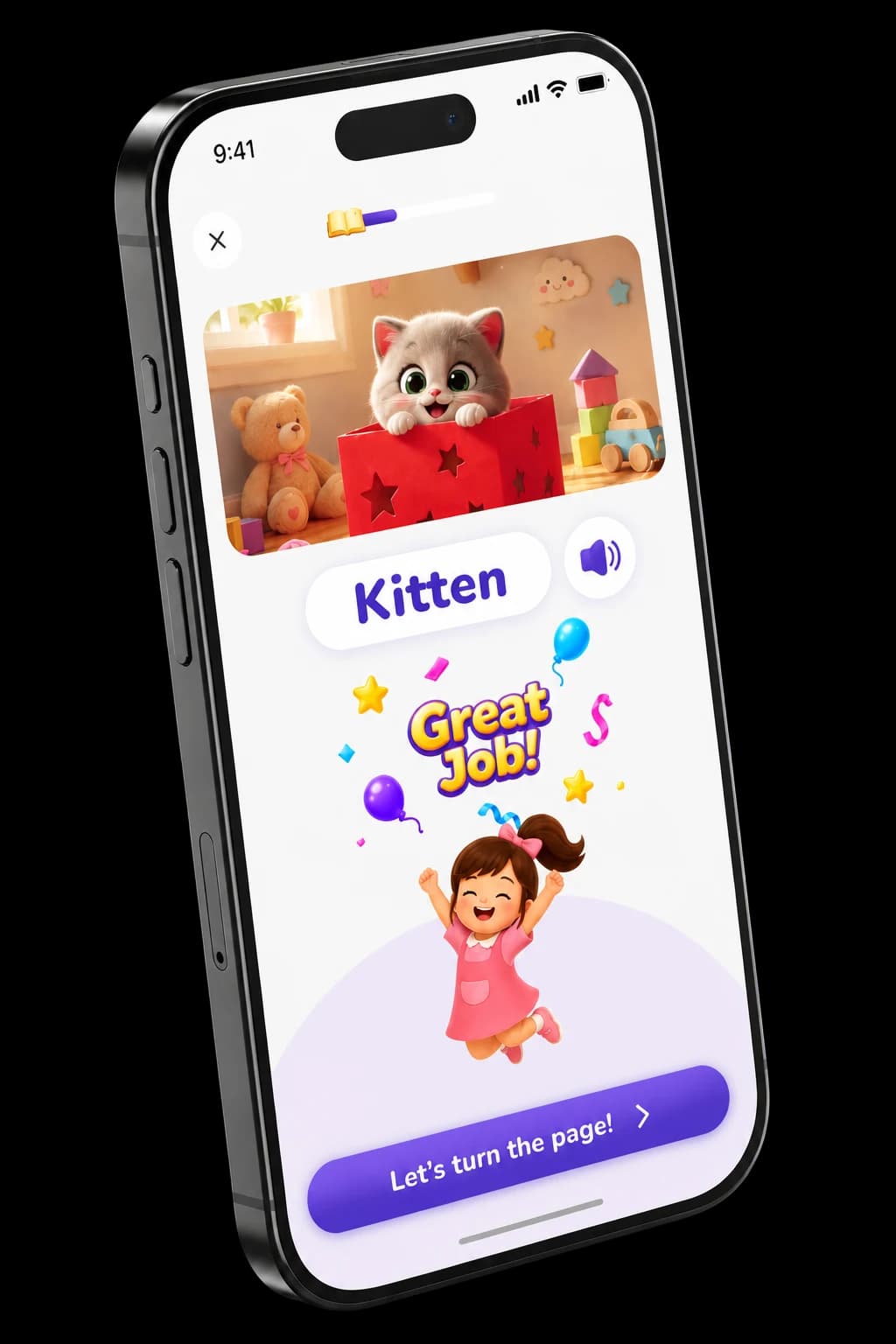

Positive Feedback
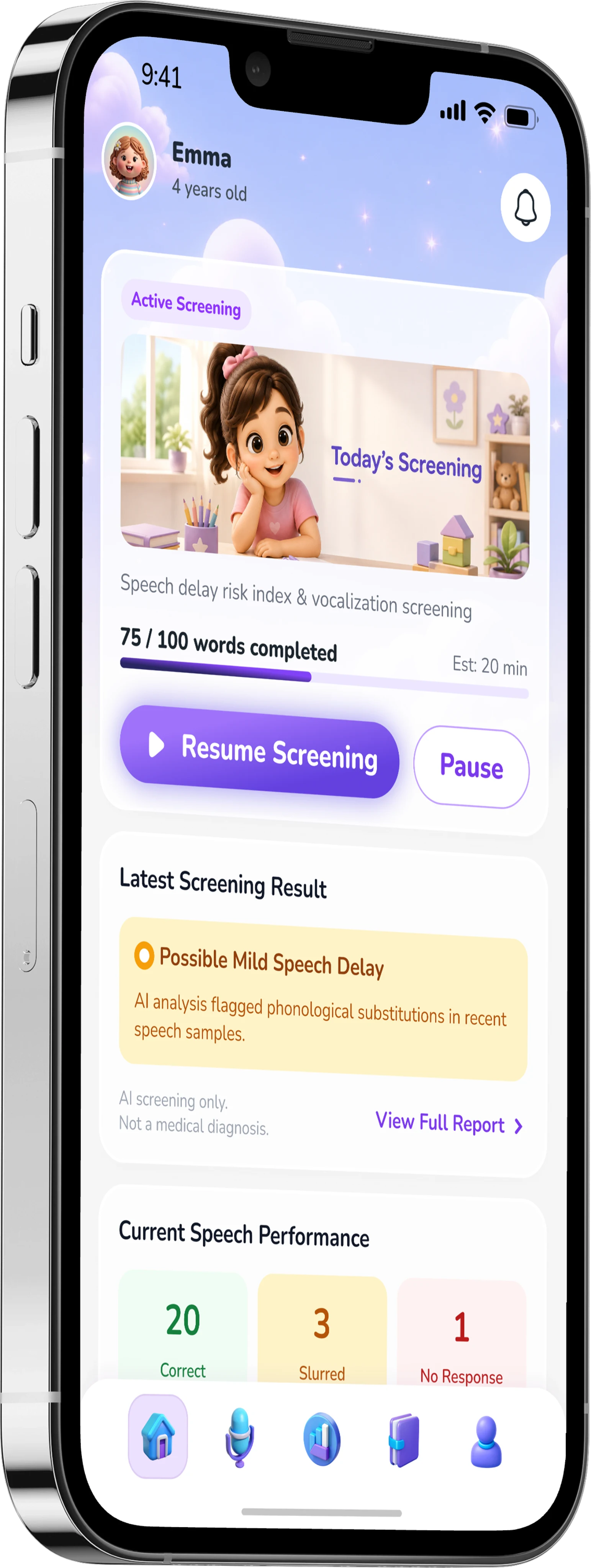
Successful responses are reinforced with encouraging visual feedback, keeping the child engaged before moving to the next word.
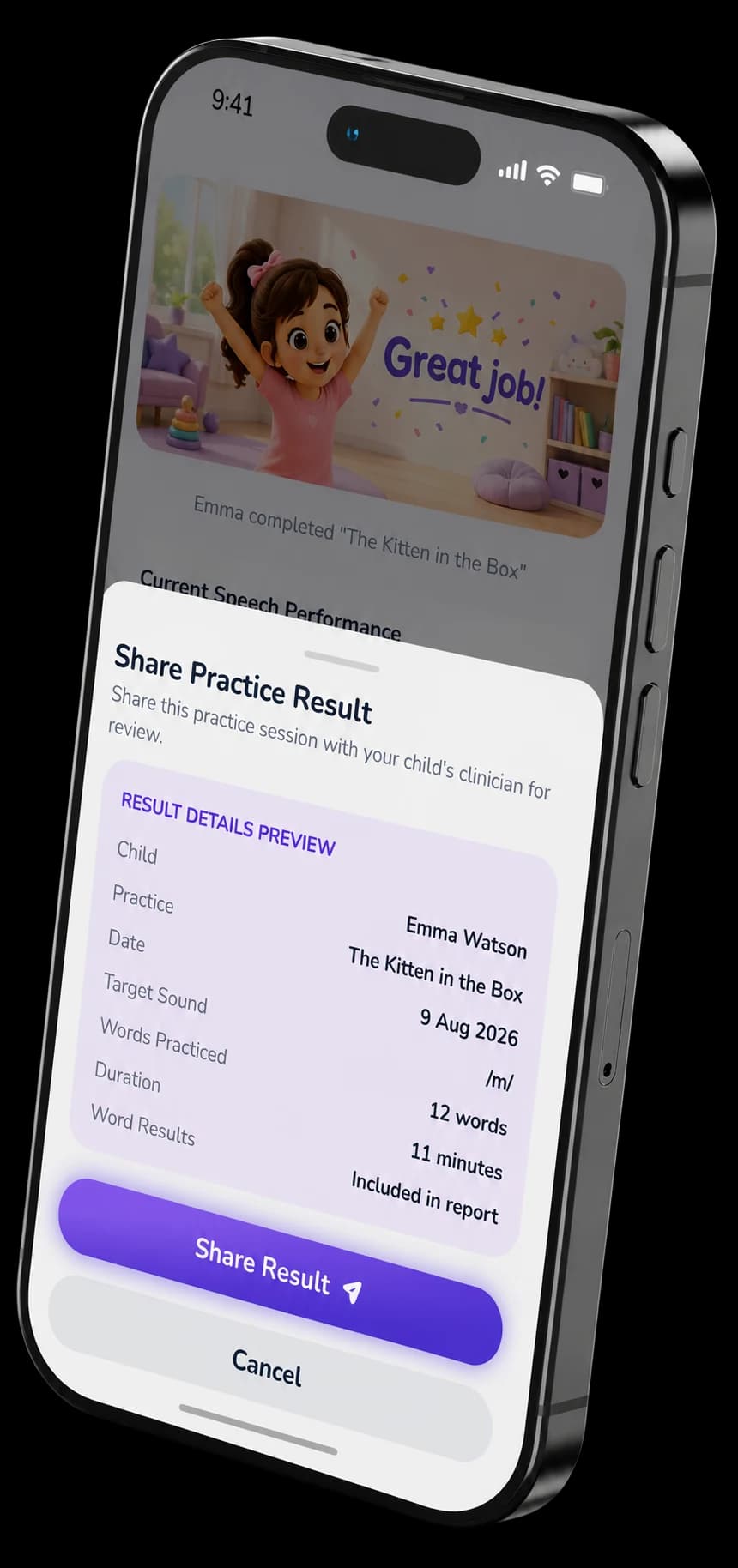

Share the Result
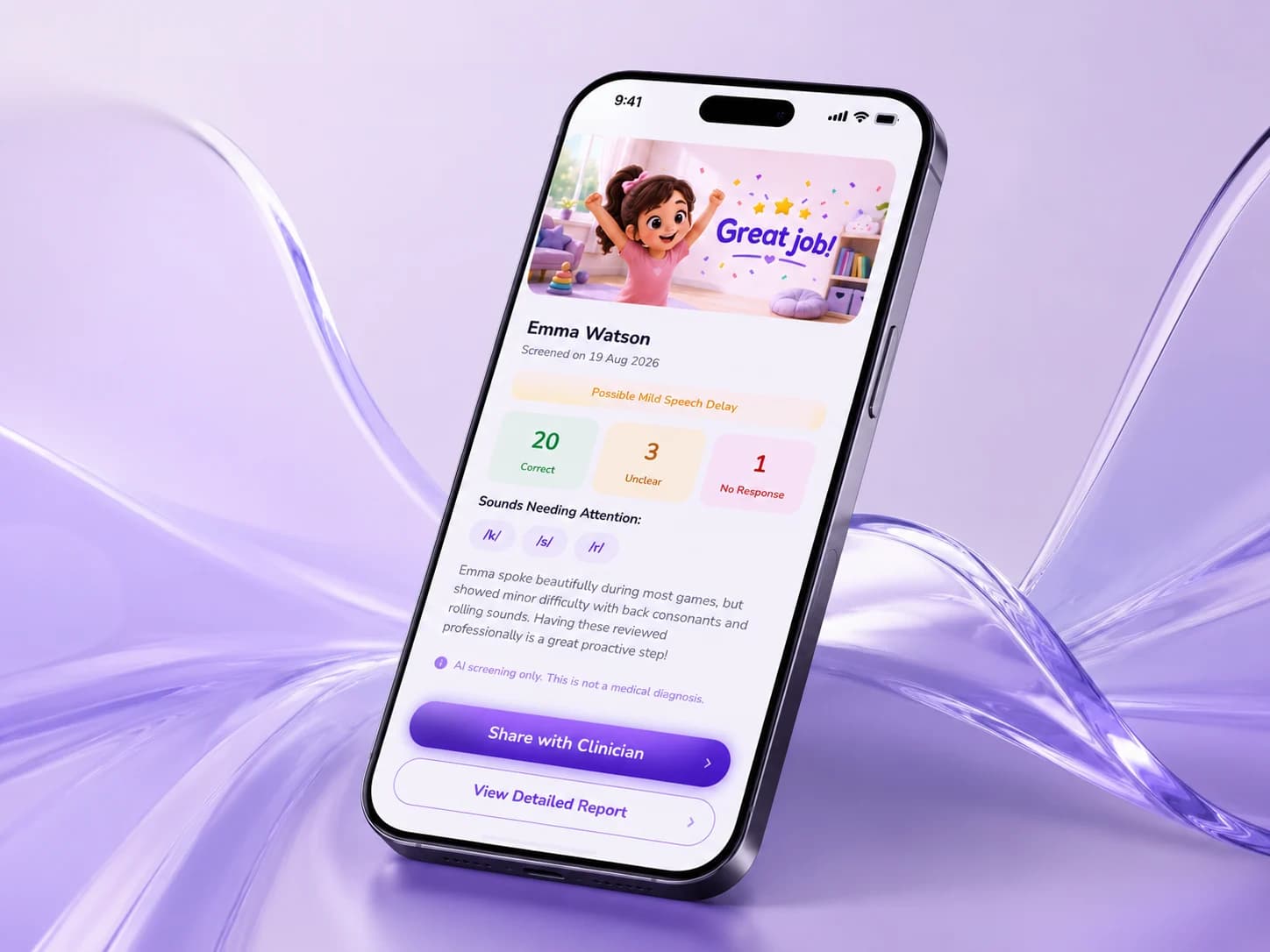
After the session, parents can review the screening result and securely share it with the child's clinic for professional review.

Want this for your product?
Booca Bicara had to be calm enough for a five year old to finish and precise enough for a clinician to act on. Tell us what you are building.
Book a call- 30 minutes. No pitch. We'll tell you if it's not a fit.